
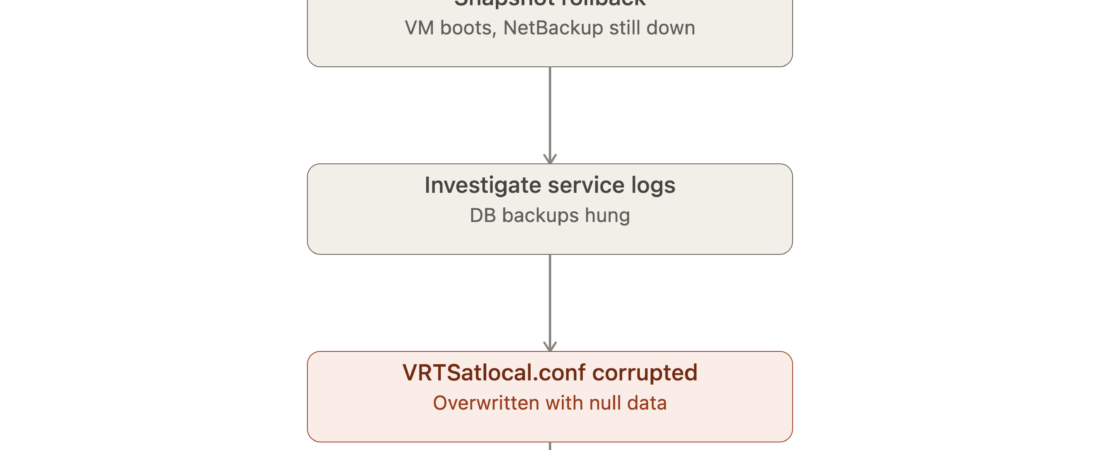
Not every backup failure shows up as a red X on a dashboard. Sometimes the backup server disappears before the alert even gets a chance to fire.
What Happened
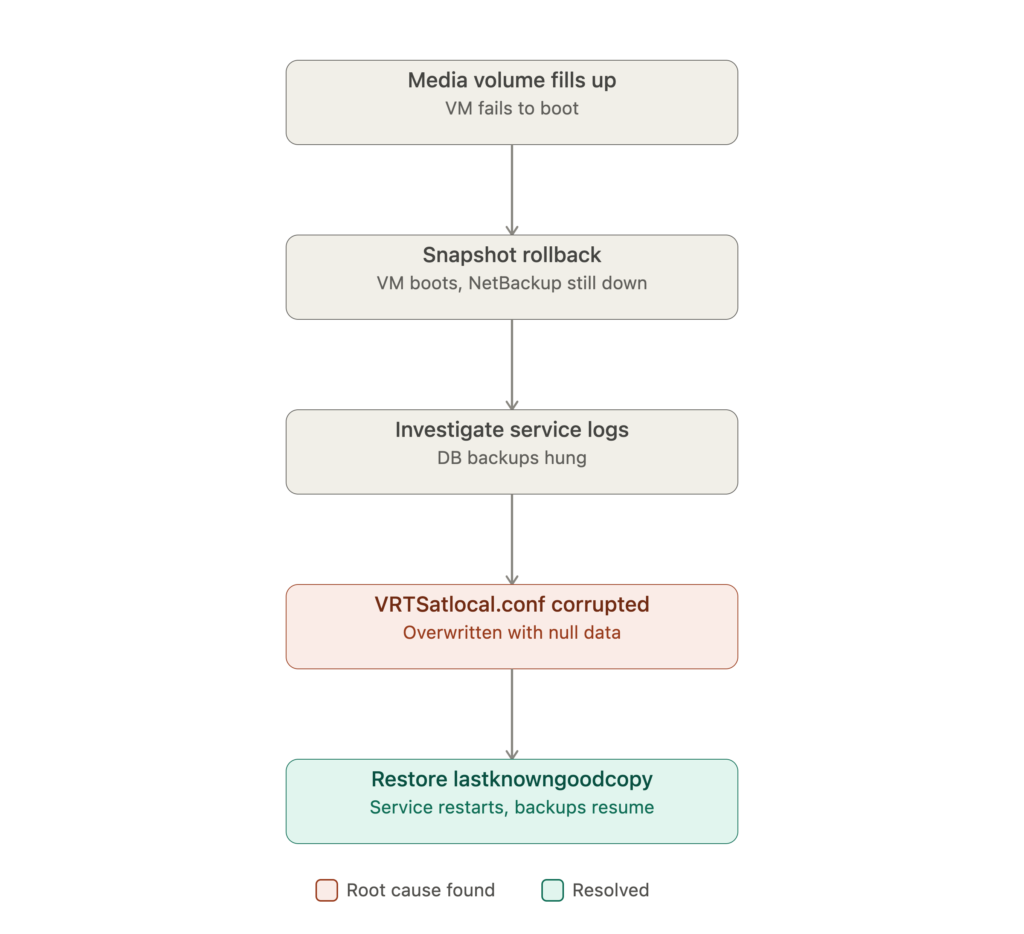
We were running a lightweight NetBackup setup — not a dedicated appliance, just NetBackup installed on a Windows VM — with a media volume attached for storing backup images. That volume filled up completely, with no headroom left.
The full disk didn’t just stop new jobs from writing. It took the VM down with it — the guest OS itself couldn’t boot properly anymore, because the volume it depended on had nothing left to work with.
The First Fix Wasn’t the Real Fix
Getting the VM running again was the easy part: roll back to a prior snapshot, and the machine came back up. Problem solved — or so it looked.
It wasn’t. Once the VM was back online, the NetBackup service still wouldn’t start. Every scheduled DB backup that depended on it just sat there, hung, going nowhere. The VM was alive again, but the backup infrastructure behind it wasn’t.
Finding the Real Problem
Digging into the NetBackup logs pointed to VRTSatlocal.conf — one of NetBackup’s core configuration files. It had been overwritten with null data, most likely a side effect of how the disk-full condition and the snapshot rollback interacted with the file at the moment things went wrong.
A config file full of null bytes isn’t something the service can read past. NetBackup wouldn’t start with it in that state, which is exactly why nothing downstream — including the DB backups — could run either.
The fix turned out to be built into NetBackup itself: it keeps a VRTSatlocal.conf.lastknowngoodcopy file, essentially a backup of its own configuration. Restoring from that file, replacing the corrupted VRTSatlocal.conf, and restarting the NetBackup service brought everything back. Backups resumed normally right after.
What I Check Differently Now
- Media volume free space gets its own alert threshold, separate from general disk monitoring. This is the one that took the whole server down.
- “The VM booted” and “the backup service is healthy” are two different checks. Conflating them is exactly how this outage went unnoticed as long as it did.
- I know where NetBackup keeps its own recovery files (.lastknowngoodcopy and similar) before I need them — not while a service is down and DB backups are piling up hung.
- A lightweight NetBackup-on-VM setup needs the same operational discipline as a dedicated appliance — arguably more, since there’s no vendor-hardened storage layer catching a disk-full condition before it becomes a boot problem.
Lesson Learned
The scariest backup failures aren’t the ones that show up as a failed job — they’re the ones that take down the infrastructure the jobs depend on before a single alert can fire. Monitoring “did the backup succeed” isn’t enough if you’re not also monitoring the health of the box the backup software runs on.
Related reading: