
A default Zabbix alert threshold let a server go down unnoticed — we found out from the client. Here’s what changed after.
The Incident
One of the VMs we monitor for a client started having trouble on an otherwise normal day. CPU and memory usage spiked hard and fast, and because it was a VM sharing resources with everything else on that host, it kept pulling whatever was available until there was nothing left to pull. The server hung.
The production line itself came out of it mostly fine — it wasn’t down for long. But the server had effectively stopped responding, and nobody on our side noticed. Zabbix was watching it the whole time.
How We Found Out
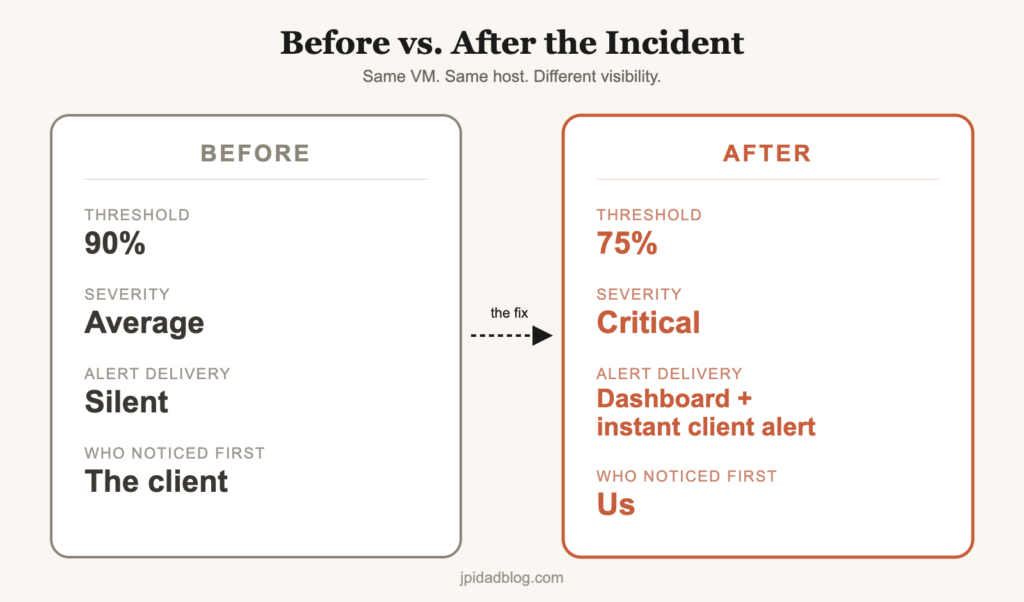
The client did. They noticed something was off before we did, and reported it to us. That’s the part that actually stung — we had monitoring in place, we just hadn’t tuned it to catch what mattered.
Why the Alert Never Fired
The Zabbix alert threshold on that VM was still sitting at its default: 90% for CPU and memory, at Average severity. Ninety percent sounds like a fair line to draw. But a VM competing for host resources doesn’t ease into that number — it can blow past “obviously fine” in the space of a couple of minutes, and even once the trigger caught up, Average severity wasn’t going to make anyone drop what they were doing to look.
Defaults are built for a generic environment. This wasn’t one. This VM fed a production line, and a threshold tuned for “typical server behavior” has no way of knowing that.
The whole thing played out in under fifteen minutes — long enough for the VM to lock up, but short enough that a threshold requiring a sustained breach over several minutes never had the chance to fire. By the time anything would have looked unusual in hindsight, the server was already unresponsive.
What We Changed
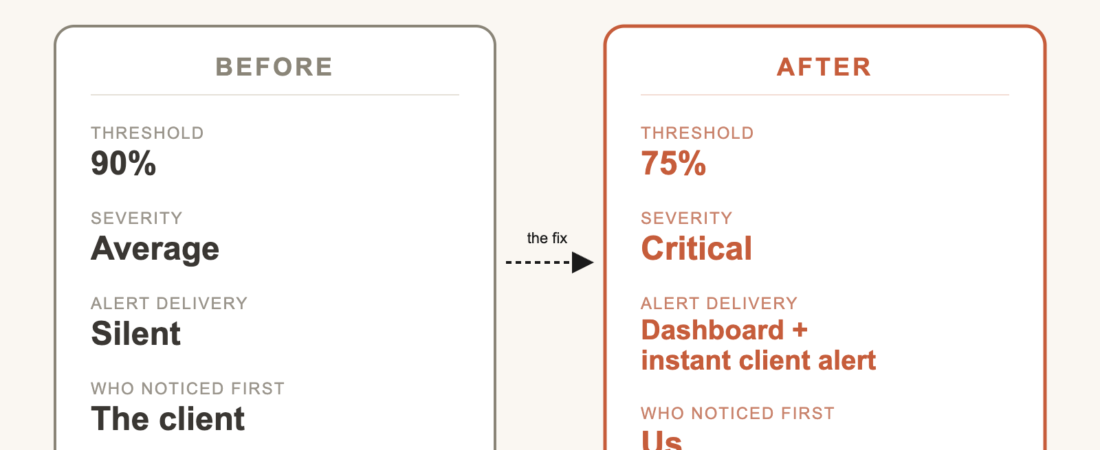
- Lowered the CPU and memory thresholds from 90% to 75%
- Escalated the severity from Average to Critical
- Built a dedicated live monitoring dashboard for this environment, so status is visible at a glance instead of only on alert
- Changed our process so that the moment an alert fires, the client hears from us first — not the other way around
What I Actually Learned
I used to think getting Zabbix deployed everywhere was the finish line. It’s not. Deploying it is the easy part. Deciding what actually deserves a Critical alert — and doing it before a client has to tell you your own server is down — is the part nobody hands you a manual for.
FAQ
Should I just use Zabbix’s default thresholds?
Treat them as a starting point, not a policy. A threshold that’s fine for a low-priority test VM can be dangerously loose for one feeding a production system.
How do you decide what severity level to assign in Zabbix?
Base it on business impact, not just the technical metric. A VM tied to a production line deserves Critical treatment even if the CPU number alone looks unremarkable.
What’s a reasonable Zabbix threshold for a production VM?
There’s no universal number — it depends on what the VM is doing and how much warning you actually need. For anything feeding a production system, we’ve found it’s better to err toward a lower threshold and a higher severity than the defaults suggest, even if that means a few more alerts to triage. A false alarm costs a few minutes. A missed one costs a client finding out before you do.