
In a manufacturing environment, “just patch it” is rarely that simple. Patch the wrong server at the wrong time, and you’re not dealing with an IT ticket anymore. You’re explaining to the plant manager why the line stopped.
Why I Still Patch Manually
I deploy patches manually instead of relying on WSUS or SCCM.
It’s not that those tools are bad. These servers sit right next to production, and I’d rather decide exactly when a production-adjacent server reboots than let an automated schedule make that decision for me.
For me, it’s less about whether patching can be automated and more about knowing exactly what is being patched and when.
How I Split Servers
The split that matters most in this environment is office servers versus production servers.
Office servers get patched quickly. If a verified patch closes a known security vulnerability, I don’t see much reason to wait.
Production servers are different. They get patched on a fixed schedule, based on the production calendar rather than whenever a patch happens to be released.
That difference is important. The same patching policy doesn’t make sense for both environments.
The Incident That Changed How I Look at This
When I took over this environment, I found a Windows Server role that hadn’t been patched in two years.
Two years.
It hadn’t been touched since before a certain security tool was even rolled out.
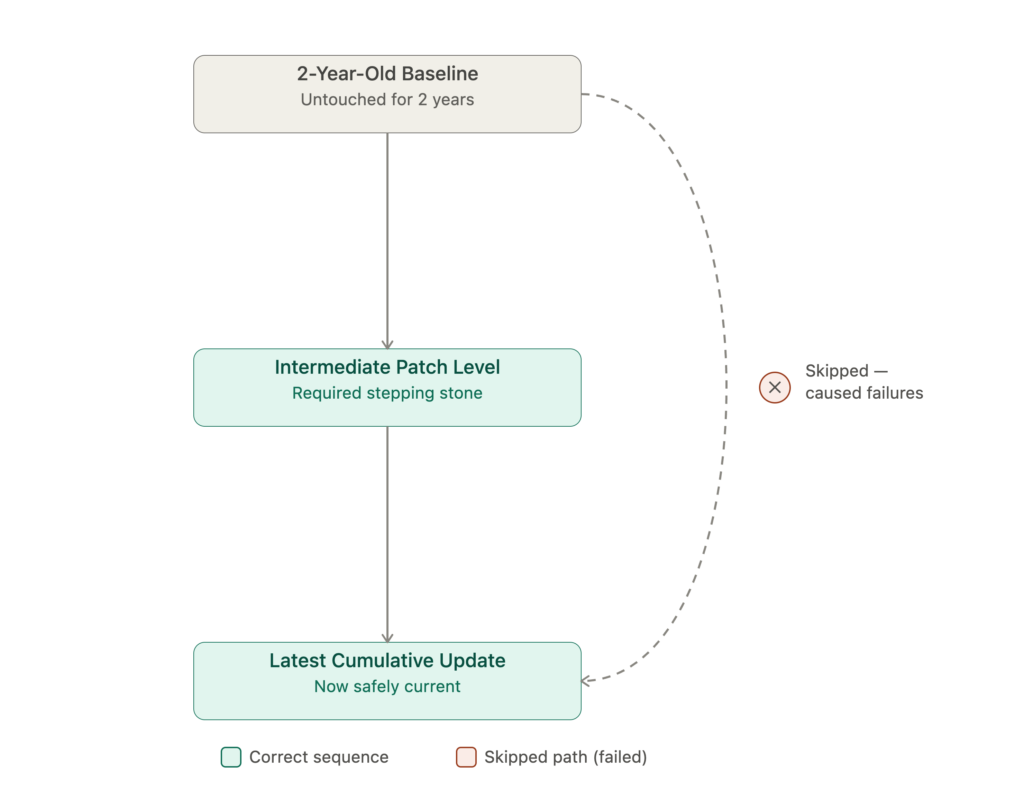
At first glance, it might seem like the obvious solution would be to install the latest cumulative update and move on. It wasn’t that simple.
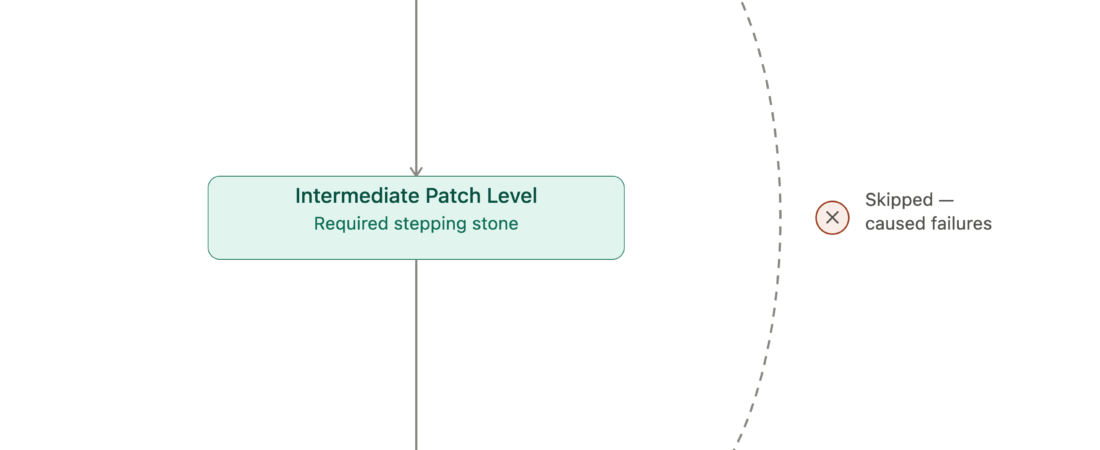
This particular role was sensitive to patch order. Going directly from a two-year-old baseline to the current patch wasn’t going to work. I had to bring it up through an intermediate version first and then apply the latest update on top of it.
Skipping that middle step could have turned a simple patching task into a much bigger problem.
That’s one of the things that changed how I approach patching inherited servers.
What I Do Differently Now
I don’t assume a server’s patch level anymore, especially when I’ve just inherited the environment.
A gap of a few months is one thing. A gap of a couple of years changes the whole plan.
Before batching updates, I check whether the server role has any patch-order requirements. Some systems simply can’t jump straight from an old baseline to the newest release.
I also keep office and production servers on separate playbooks. One blanket policy usually means you’re either patching too slowly where security matters or too quickly where downtime matters more.
And every rollout plan now includes a rollback step.
Not just the installation steps, but what I’m going to do if the update doesn’t go as planned. That’s especially important for anything that has been untouched for a long time.
Lesson Learned
Once production is involved, “Patch Tuesday” stops being one single event.
The real job is figuring out which servers can move quickly, which ones need a scheduled maintenance window, and which ones need a slow, staged path just to get back to a current and supportable baseline.
Sometimes patching a server really is as simple as installing the update.
But in a manufacturing environment, knowing when not to do that is just as important.